Telegram Bot Setup
Create your own Telegram bot and connect it to AIDO. This takes about 5 minutes.
/setname or /setuserpic commands. /revoke with BotFather to get a new one. Open Telegram
Open Telegram on your phone or desktop. If you don't have it yet, download it from telegram.org.
Search for @BotFather
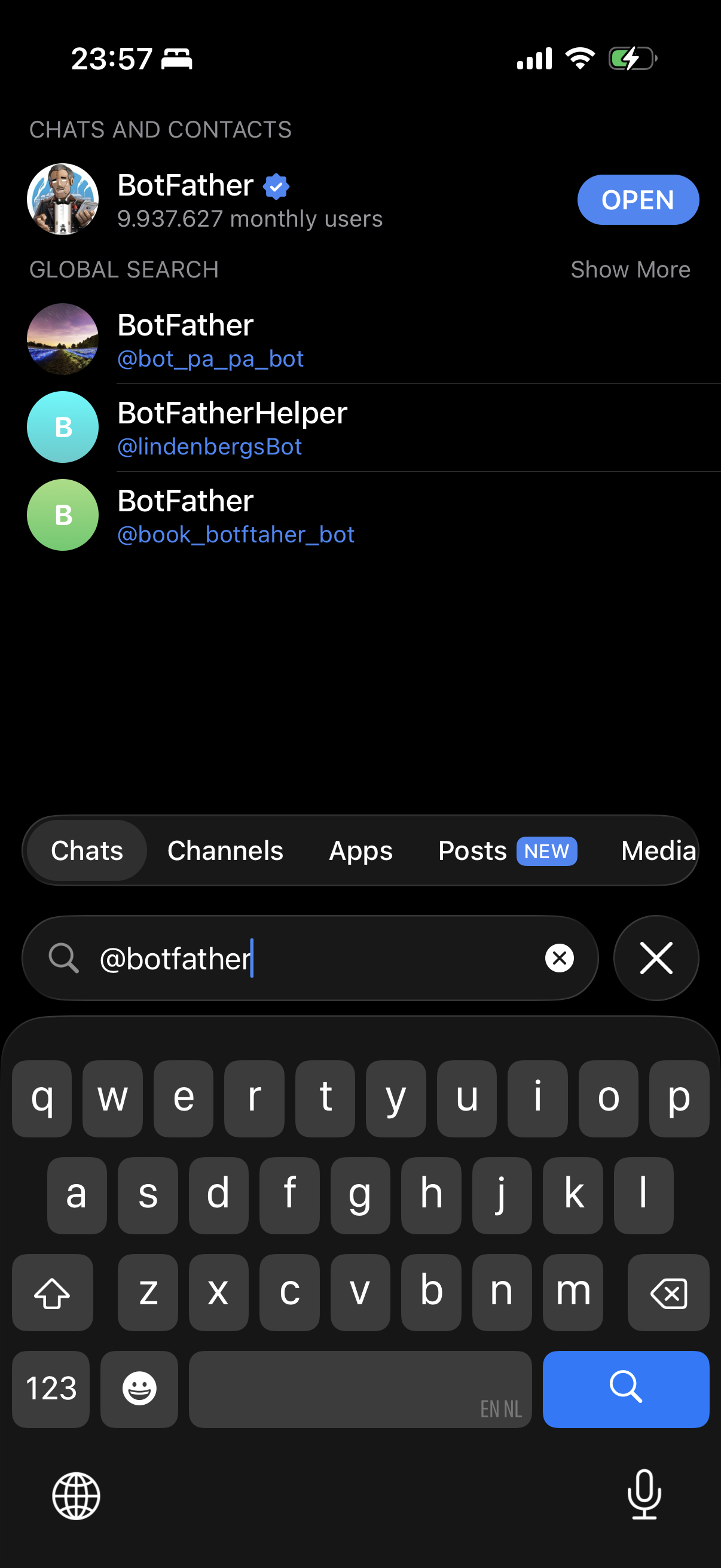
Telegram search bar with '@BotFather' typed in. The official BotFather result appears with its verified checkmark.
In the Telegram search bar, type @BotFather and open the chat. BotFather is Telegram's official tool for creating bots.
Start a chat and send /newbot
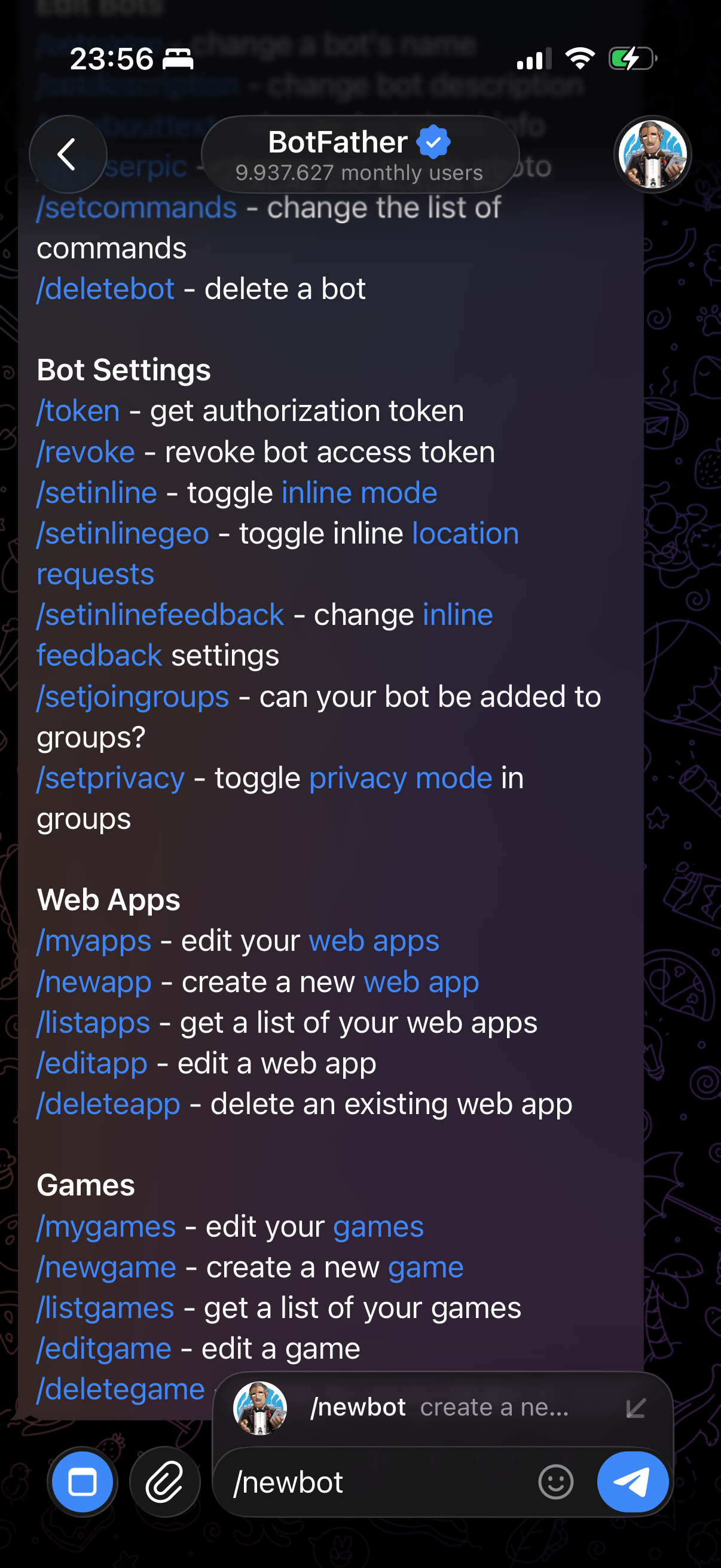
Telegram chat with BotFather showing the /newbot command sent and BotFather's response asking for a name.
Open the chat with BotFather and send the command /newbot. BotFather will guide you through the creation process.
Choose a display name
BotFather will ask for a display name. This is what people see when they chat with your bot. For example: My AIDO Assistant.
Choose a username
Screenshot needed: BotFather conversation showing the username prompt. Show an example response with a username ending in 'bot'.
Next, choose a username for your bot. It must end in bot. For example: my_aido_bot or mycompany_aido_bot.
Copy the bot token
Screenshot needed: BotFather's success message showing the bot token (partially redacted). Highlight the token string and indicate it should be copied.
BotFather will give you a bot token — a long string of numbers and letters. Copy this token. It looks something like: 123456789:ABCdefGHIjklMNO-pqrSTUvwxYZ.
Paste the token into AIDO
Screenshot needed: AIDO setup wizard showing the 'Telegram Bot Token' input field with the token pasted in. Show the field location in the setup interface.
Go to your AIDO setup wizard and paste the bot token into the Telegram Bot Token field. AIDO will connect to your bot automatically.
Test your bot
Screenshot needed: Telegram chat with the newly created bot showing a test message sent and a response received from the AIDO assistant.
Open Telegram and search for your bot by its username. Send it a message — if everything is connected, your AIDO assistant will respond!